Restaurants, fast food, cafes and bars

Food & Drinks Tier 2

Everything in Tier 1, plus your lunch menu on the Lunch today page every day.

17.00 EUR / month Free until 20.12.2026

Made for

A family restaurant with a daily lunch
A canteen near the offices
A cafe with a soup of the day

What you get

Everything in Food & Drinks Tier 1, plus the features marked New. See Food & Drinks Tier 1

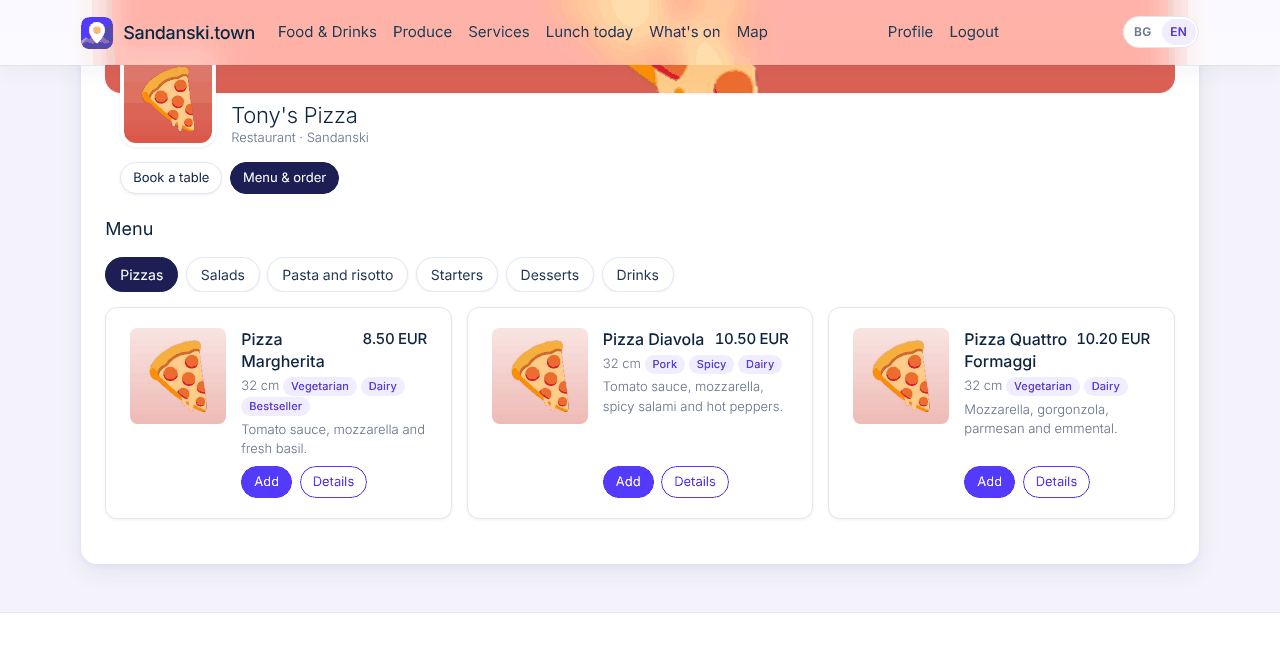
Menu with cart & orders

What your customers see

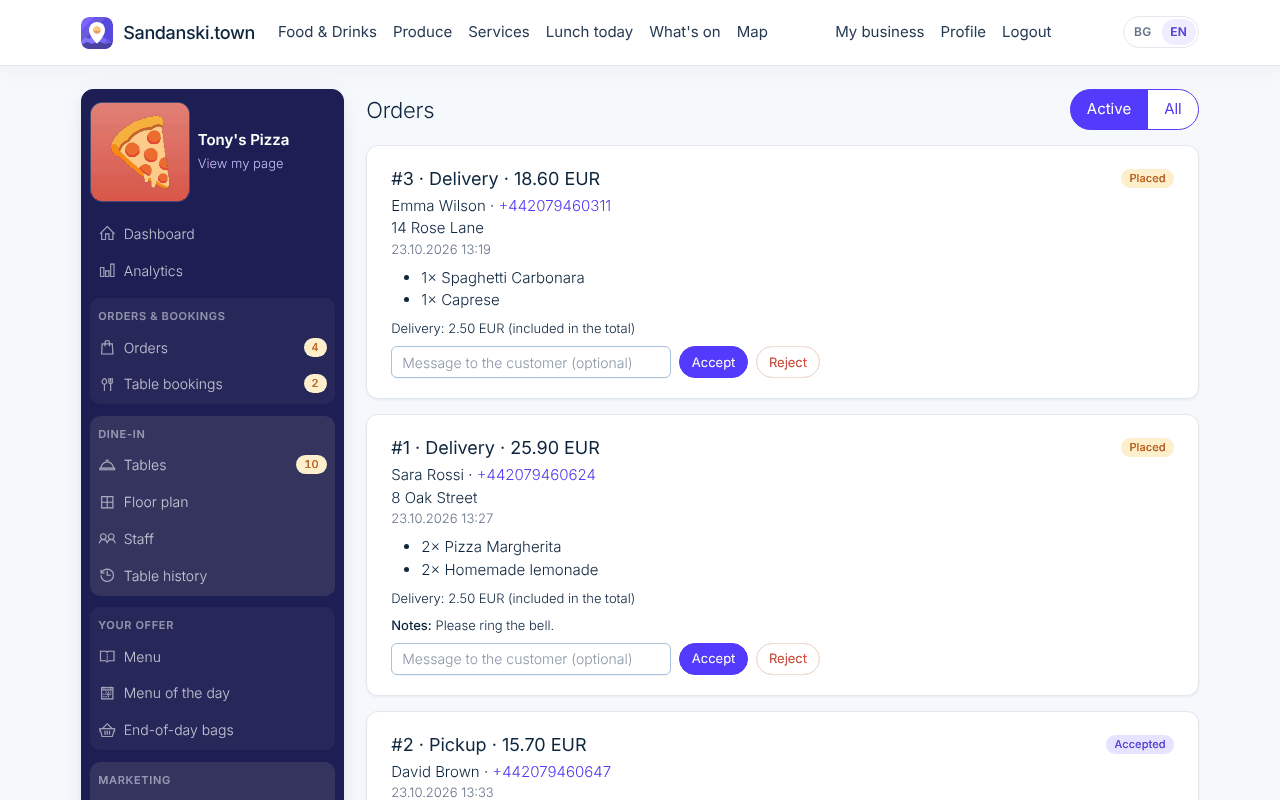
Customers open your menu, pick a product, remove or add ingredients and put it in the cart. They order for delivery or pickup and pay when they get it.

What you do

You add your products with photos, prices and ingredients and set your delivery cost; pickup is free. Orders come in only while you are open, and a live alert tells you the moment one arrives.

Where to find it: My business > Menu and Orders
What your customers see

Voucher stamp cards

What your customers see

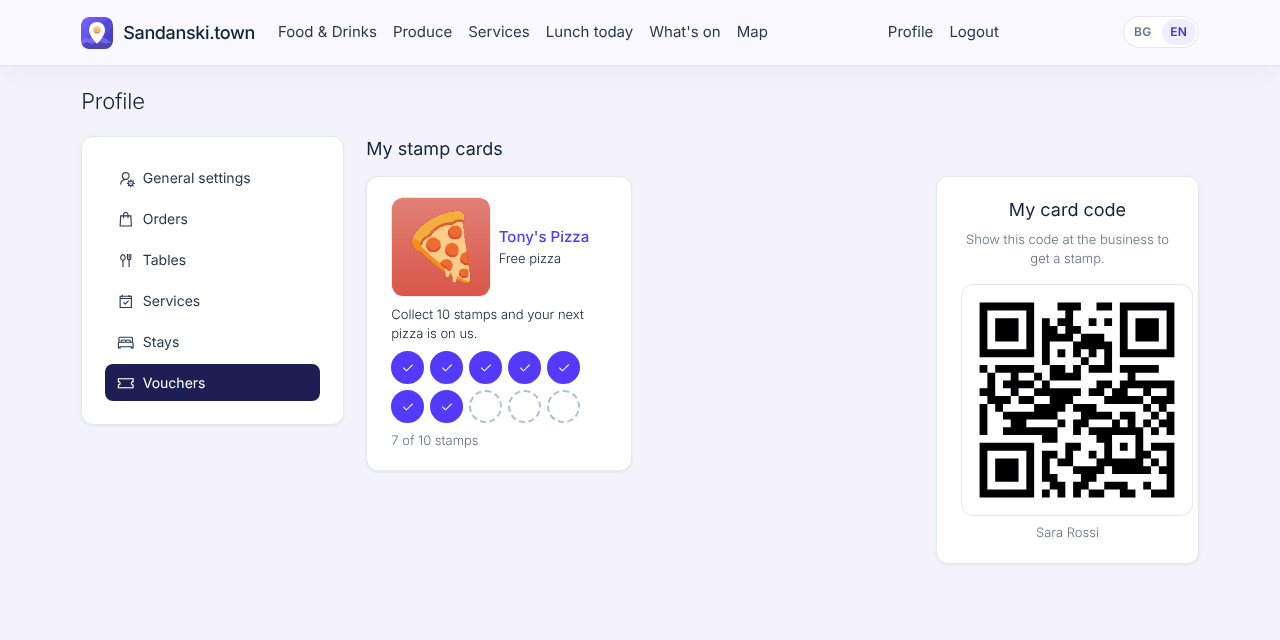
A digital stamp card instead of paper. Customers show the QR code on their phone and see their cards under My vouchers.

What you do

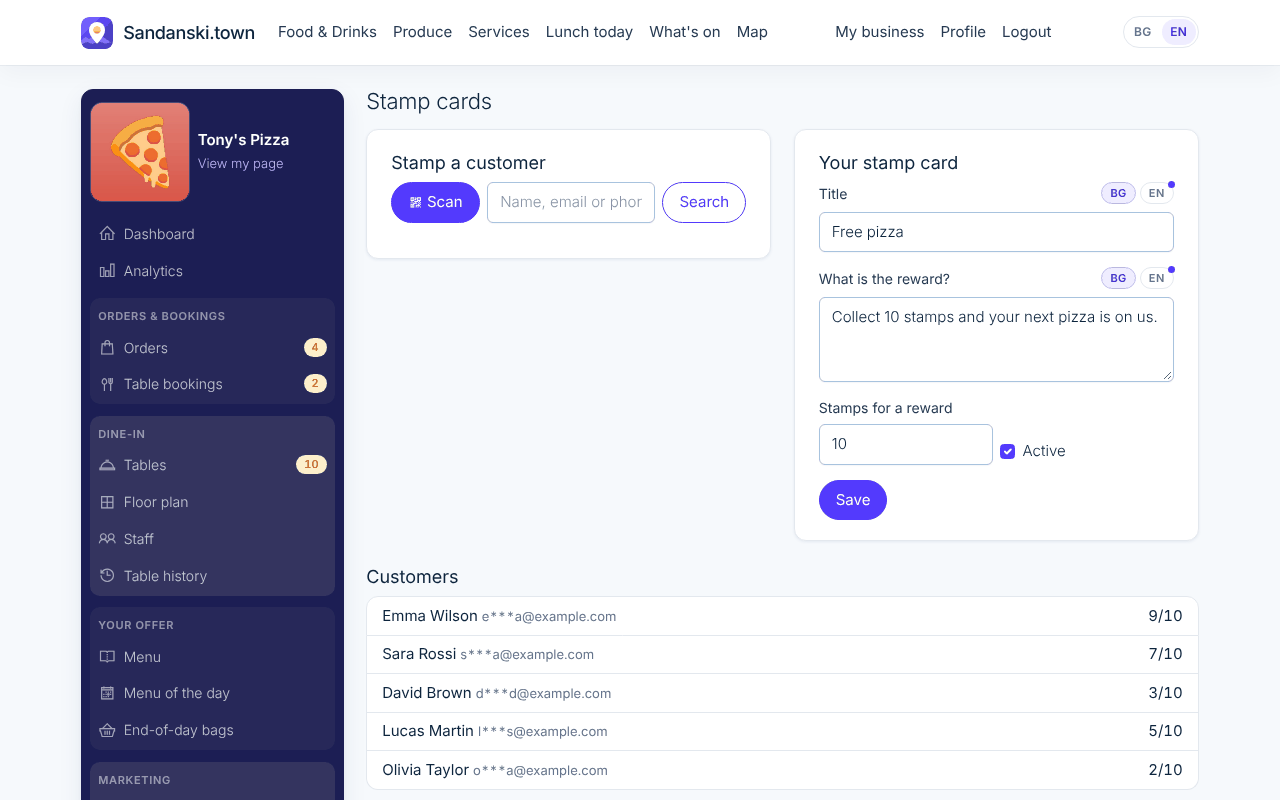
You scan the customer's QR code (or find them by name) and tap Add stamp. After the number of stamps you choose, 10 by default, they get their reward and you reset the card.

Where to find it: My business > Stamp cards

What your customers see

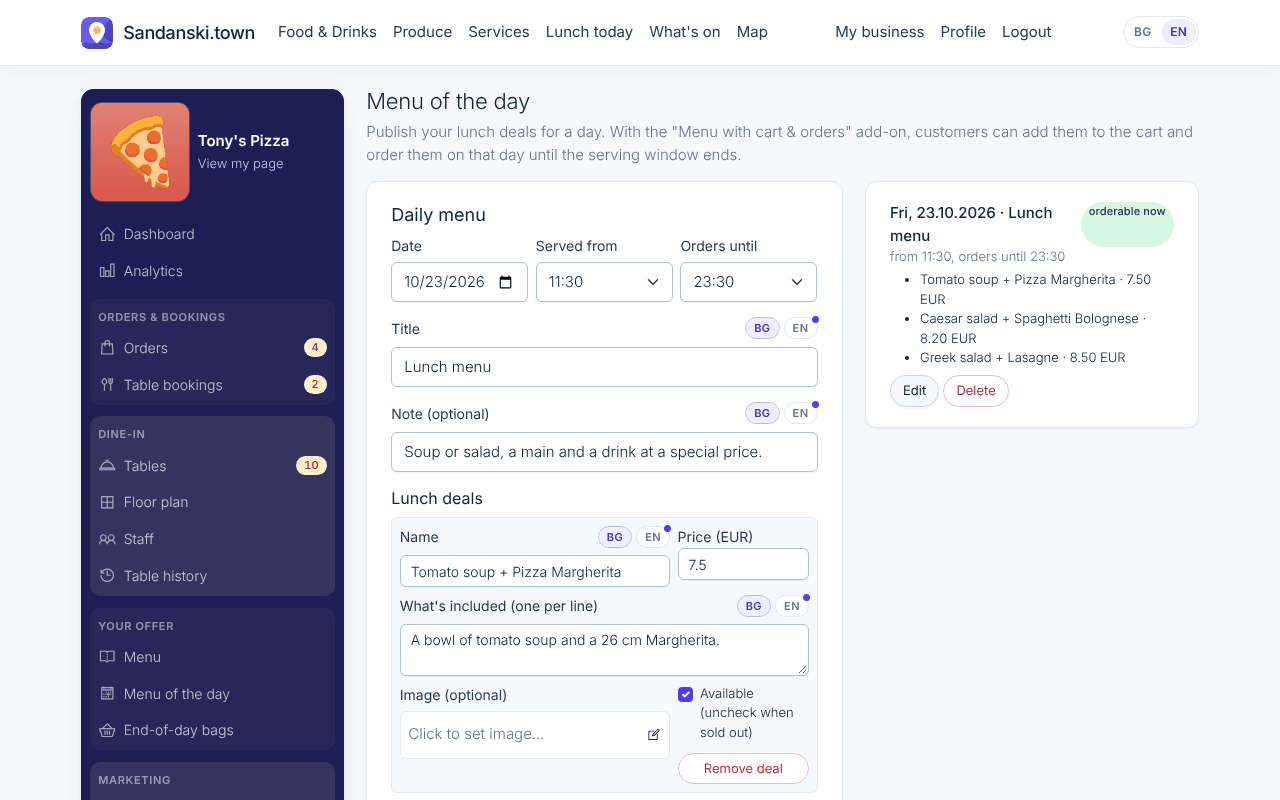
Menu of the day New

What your customers see

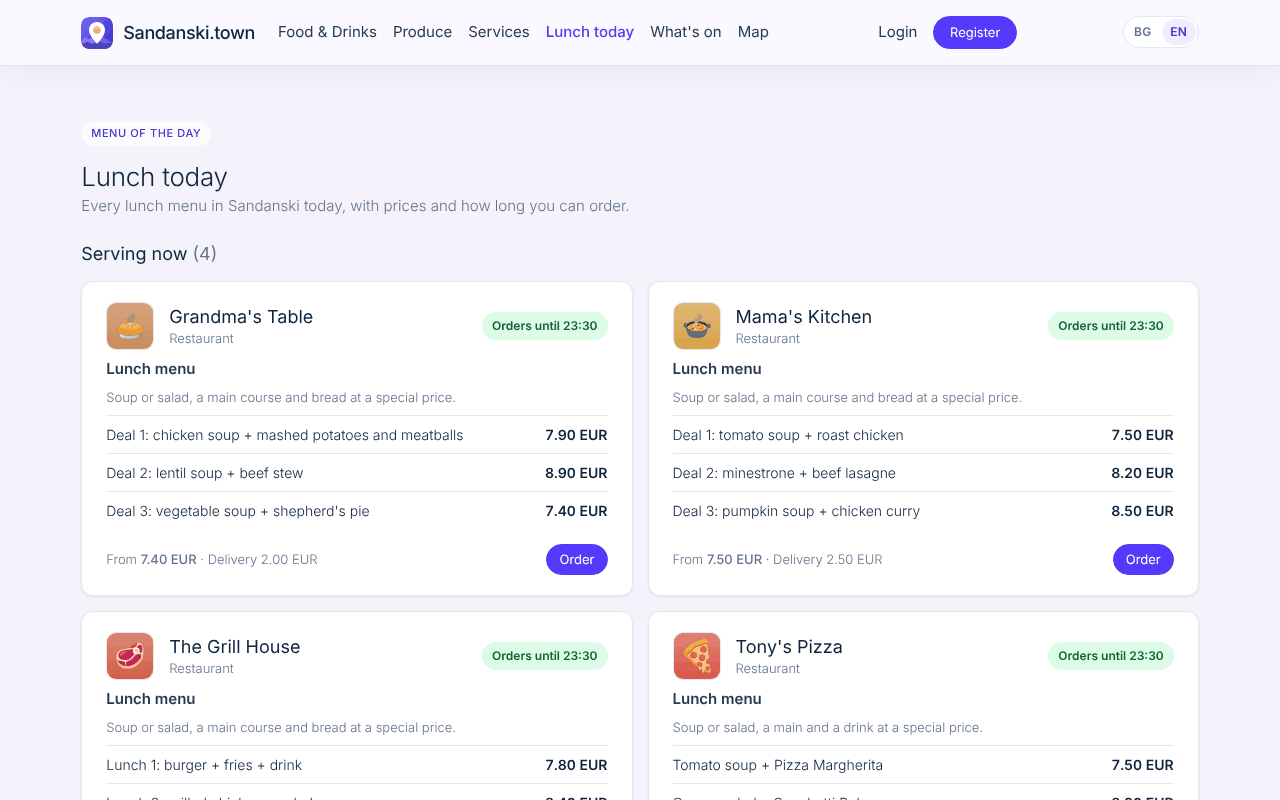
Your lunch shows on the Lunch today page an hour before you start serving, and customers order it like any other product.

What you do

You publish today's dishes and prices with a Served from and Orders until time. It takes a minute every morning.

Where to find it: My business > Menu of the day

What your customers see

A day with Food & Drinks Tier 2

  1. 10:30You publish today's lunch: tomato soup and roast chicken.
  2. 11:30Your lunch appears on the Lunch today page.
  3. 11:45Six people order it for pickup at 12:15.
  4. 14:00Orders close at the time you set, and the lunch leaves the page.

Getting started

Once the package is on, set it up in this order. Each step opens the right page in My business.

  1. Add your logo, a description and photos to your page.
  2. Set your working hours and closed days.
  3. Add your menu: products, prices, photos and ingredients.
  4. Set up your stamp card: the reward and the number of stamps.
  5. Publish your first menu of the day.

Questions

Do I have to publish a lunch every day?

No. Publish it on the days you serve one; the other days nothing shows.

Can customers order the lunch for delivery?

Yes, it goes into the same cart as your menu, with your delivery cost.

Food & Drinks Tier 2

Everything in Tier 1, plus your lunch menu on the Lunch today page every day.